
Logo stickers for the bar, even for 24 tumblers and 6 shakers
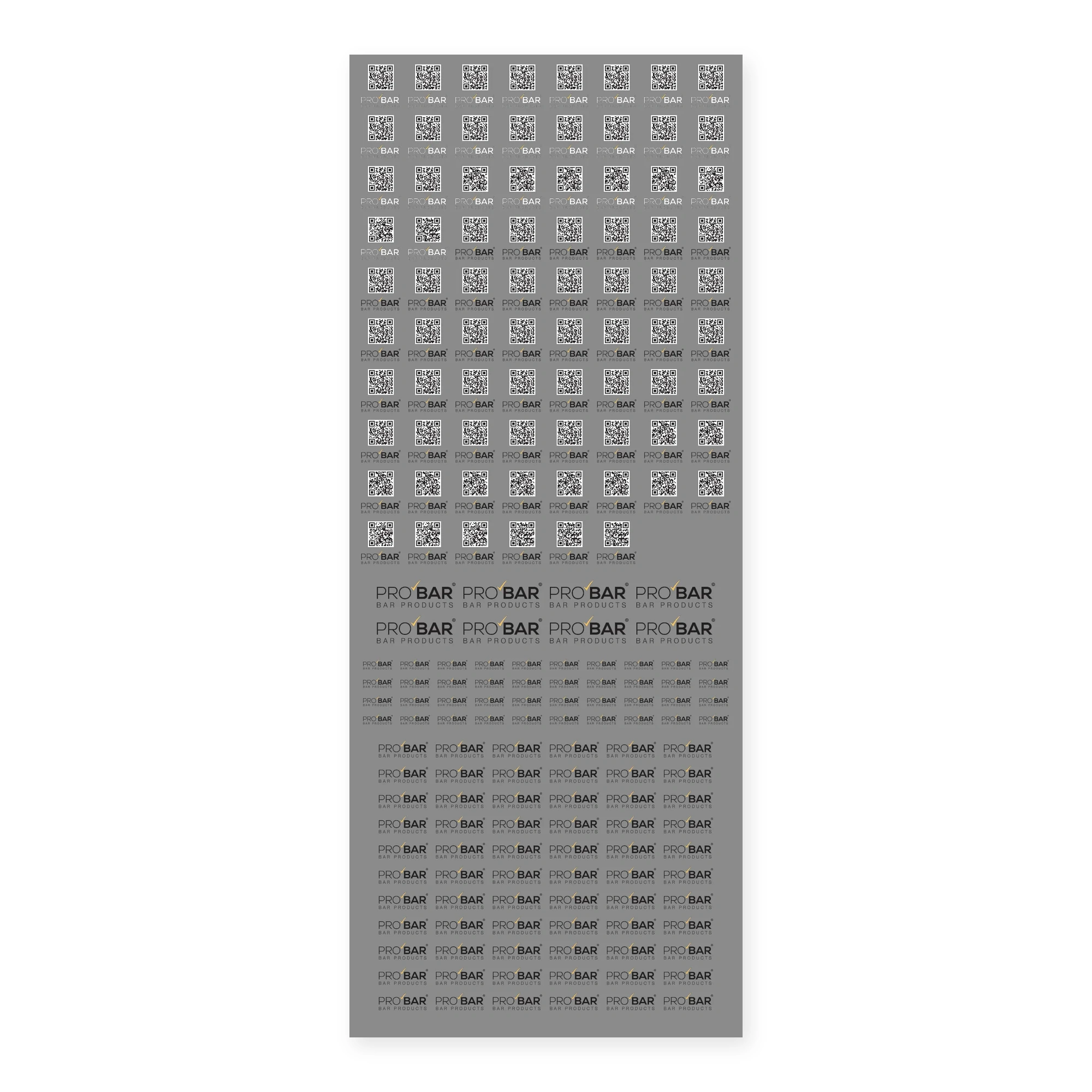
Screen printing and printing on glass are ordered in batches, and a bar that wants its logo on a few pieces often gives up. With these logo stickers the unit is the sheet: 40 x 100 cm, filled with as many logos as fit, in different sizes if you need them.
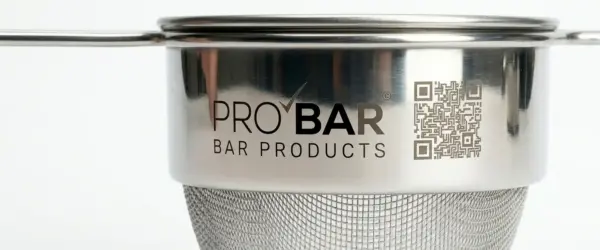
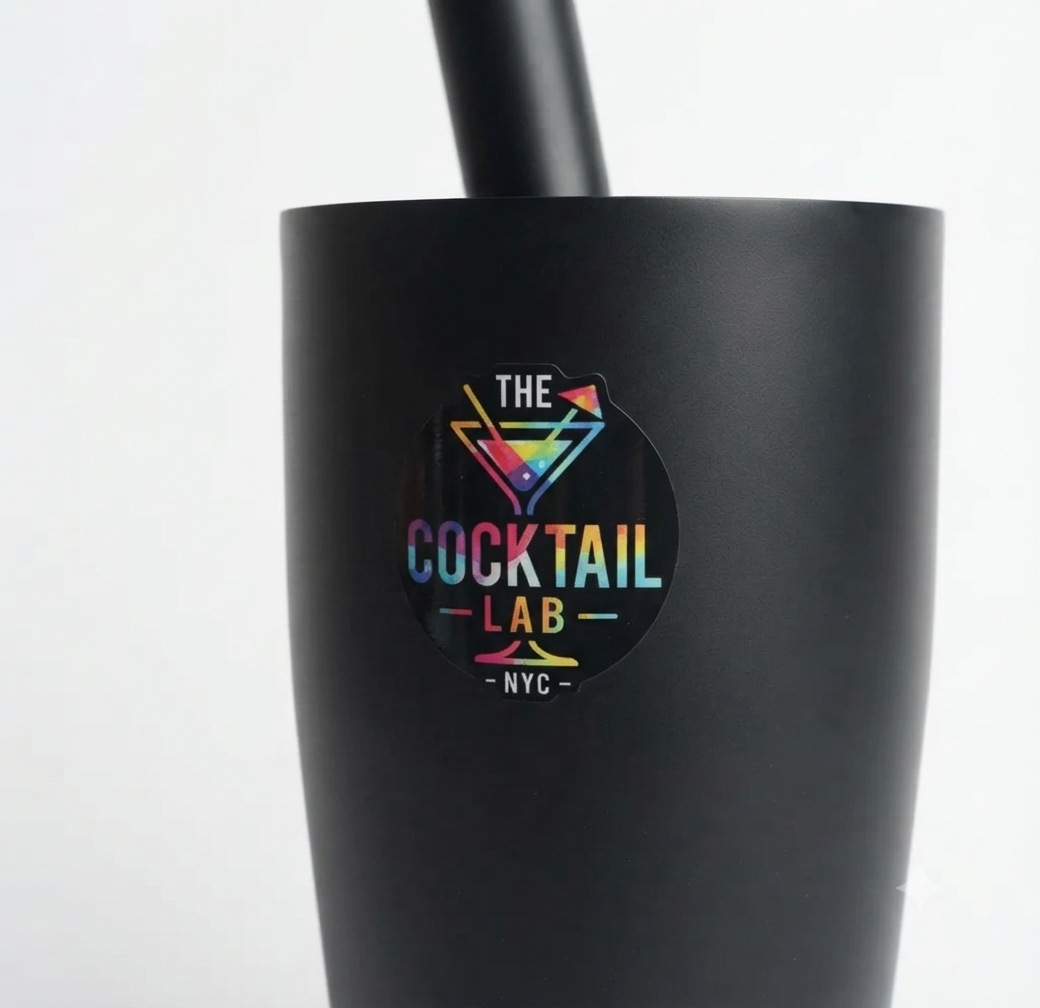
The logo arrives already printed on a clear transfer film. You apply it yourself, when you need it, on the item you choose: the new glass that arrives mid-season, the ice bucket, the menu holder, the tin of the Boston shaker.
How it differs from laser engraving
- Colour. A laser engraves in one tone; UV DTF prints in full colour, including the gold of a tick or the red of a brand.
- Clear glass. The white base under the colour keeps the logo readable even on an empty glass.
- Your own timing. You do not send the glasses away and wait for them to come back: the logo stickers stay in a drawer and go on when new items arrive.
How the UV DTF stickers are made
Each of the logo stickers is printed in three layers:
- an opaque white base, which keeps the colour solid on clear glass and on stainless steel;
- the colour, in four-colour process;
- a clear varnish on top, which protects the print.
There is no paper to trim around the design: only the logo stays on the item, with no border. That is what separates UV DTF transfers from a printed paper label.
What to send us
- The logo, as a vector file (SVG or PDF) or as a high-resolution PNG or JPG. AI and EPS files are not accepted. You upload it from the product page.
- The sizes you need, in centimetres, and how many of each size, written in the notes. Example: 40 logos at 5 cm for the tumblers, 8 at 8 cm for the ice buckets.
- The text colour, if the logo has two versions: black works on glass and steel, white on dark surfaces.
Before printing, we send you a proof of the sheet to approve. Nothing is printed until you approve it.
If the logo has lines or text too thin to transfer cleanly, we tell you on the proof.
How to apply logo stickers: like a phone screen protector
Eight steps, and all you need is a squeegee.
Before you start: the surface should be at room temperature and dry, away from steam and from a dishwasher that has just been opened.
- Clean. Wipe the area where the logo will go with an alcohol wipe and dry it with a microfibre cloth. Grease from fingers and dishwasher rinse aid leave a film that lifts the edges.
- Cut. Cut the logo from the sheet, leaving a few millimetres of film around the design.
- Position it with a hinge. Place the logo with the film still closed and fix it along the top edge with a strip of masking tape. It now opens like a book and always comes back to the same spot.
- Peel the backing. Lift the logo on the hinge and remove the lower film, the matt one. The adhesive is now exposed: do not touch it with your fingers.
- Smooth it with the squeegee. Lower the logo again and run the felt squeegee from the centre to the edges with firm pressure. As with a screen protector, bubbles are pushed out, not flattened.
- Press the edges. Go over it two or three times, working on the outline and the thin parts of the logo.
- Peel the top film. Remove the tape and pull the clear film slowly, folded back on itself, almost parallel to the item. If part of the logo stays on the film, lower it again, go over that spot with the squeegee and try again.
- Let it rest. First wash after 2 hours.
On curved surfaces (glasses, tins, bottles) start from the centre line of the logo and work first towards one side and then the other, following the curve, never from top to bottom.
Washing. No abrasive sponges on the logo.
If you prefer, we apply them for you
On items you buy from us, we can apply the logo stickers before dispatch. The glasses, shakers or ice buckets reach you ready for service.
- The same process as the instructions: alcohol cleaning, hinge, squeegee, edges gone over again.
- Every piece checked before it goes into the box.
The service costs €5 ex VAT per pack of items, whatever the number of pieces inside. To request it, write in the notes which items to apply it to when you upload the logo.
The sticker sheet sits with our other personalisation services.
Logo stickers FAQ
Can you apply them for me?
Yes, on items you buy from us: they come from our warehouse, we apply the logo before dispatch and send them ready. Write it in the notes when you upload the logo.
Which materials do they stick to?
Logo stickers stick to glass, stainless steel and rigid plastic. The surface needs to be smooth and clean.
How many logos fit on a sheet?
It depends on the sizes. With a logo three times as wide as it is tall and 8 mm between logos, a 40 x 100 cm sheet filled with one size holds about 530 logos 3 cm wide, 228 at 5 cm or 108 at 8 cm. With mixed sizes the number changes: the proof we send before printing gives you the exact figure.
Can I put different logos on the same sheet?
Yes. Different logos, sizes and colours, including the logo of the venue and the logo of an event on the same sheet.
How long does delivery take?
We print once you have approved the proof, and the proof comes with the delivery date.
Reviews
There are no reviews yet.